


General

API keys are only available from the Business subscription
ROGER365.io API’s use HTTP verbs and a RESTful endpoint structure. An access key is used as the API Authorization. Request and response payloads are formatted as JSON, using UTF-8 encoding.
You can create the required API keys in the ROGER365.io portal. Select API Keys in the left navigation bar, then click on + Add ApiKey, give descriptive name for your key, and select desired scopes:
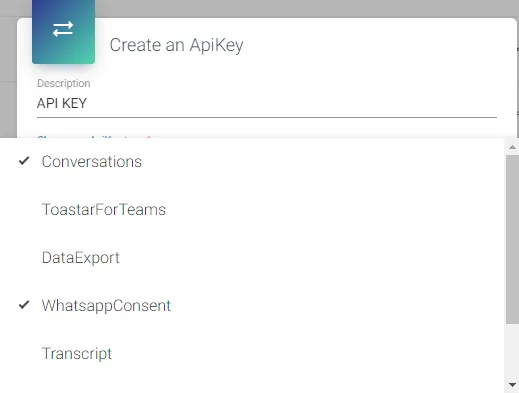
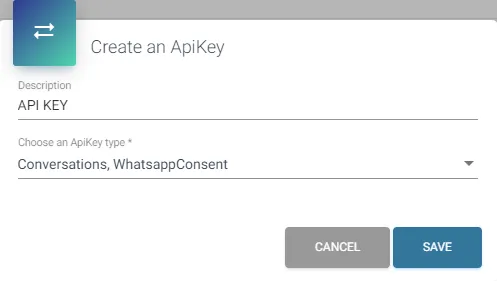
Available scopes are: Conversations, ToastarForTeams, DataExport, WhatsappConsent, Transcript, Teams, Campaign, ContactCenter.
You can remove or add scopes even if the key is already created (change of the key scope is effective after ~60 seconds).
API requests have throttling set to 5 requests per second per tenant.
API EndPoint
https://api.roger365.io/
Authentication
The ROGER365.io API uses API keys to authenticate requests. In the admin portal you can create, change and delete the keys.
Batchsize
Some API’s require the batchSize parameter. This is used to request the output in multiple batches. In each JSON output batch you’ll receive a ‘batchToken’ value. To retrieve the 2nd, 3rd etc. batch include the ‘batchToken’ value from each previous batch. The header to include is named: ‘Batch-Token’.