Audio Providers

Audio Provider Action is mandatory for AI Flow feature to work.
This action is responsible for getting the recording of a call which will be then later be processed by configured AI Actions. There are three available Audio Provider types – Oak, Tollring and Focus.
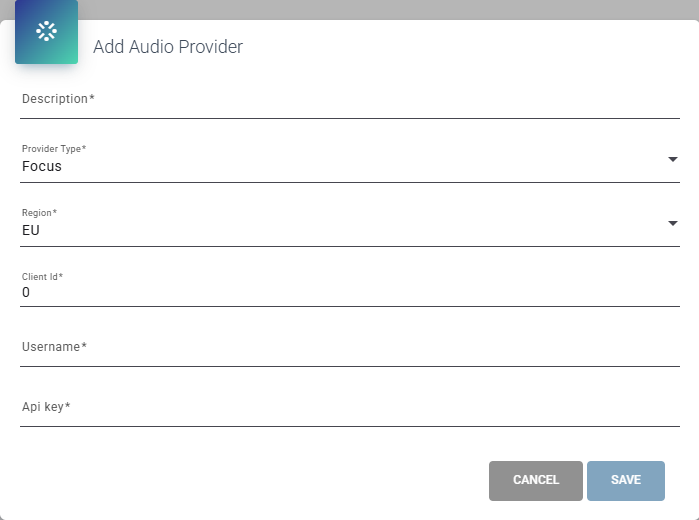
To create Audio Provider configuration navigate to “Audio Providers” admin page and press “+Add”.
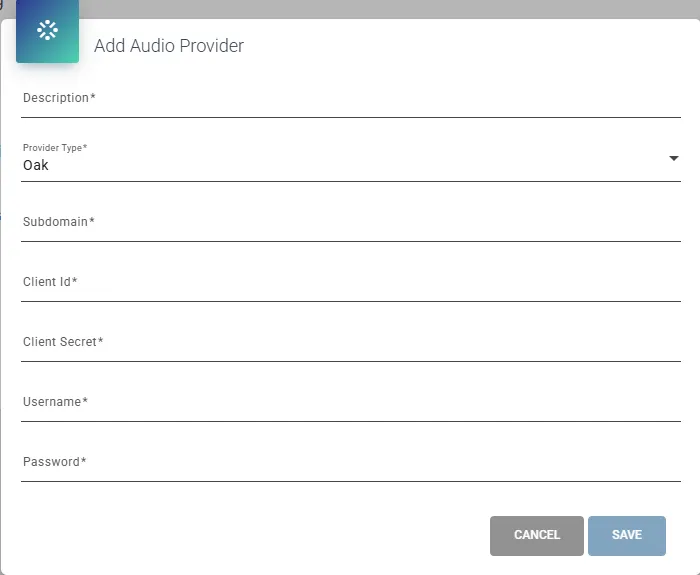
Fill in the description (name) of your Audio Provider configuration; the rest should be filled in according to the OAK Clarify Voice Recording Integration, Tollring Compliance Recording or Focus Compliance Recording section of the General documentation page.
Oak
Tollring
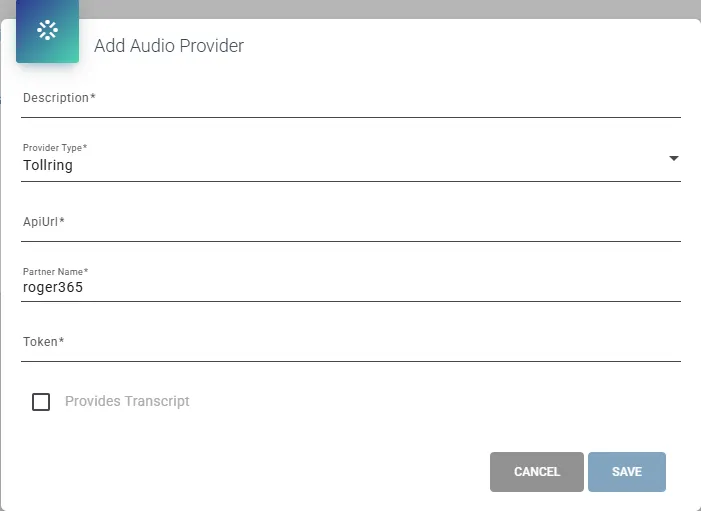
Depending on aquired license, the Tollring can provide their own call trascription that can be used in the Transcript AI Flow action. Check your Tollring license before enabling “Provides Transcript” option. The Tollring Audio Provider can be used with the transcription service provided by the Microsoft.
Focus