Signup & Enrollment

If you want to get onboarded into ROGER365.io you can signup and activate your environment yourself. After finishing the signup and enrollment process, your 14-day evaluation period will start. After this period (or directly after onboarding) you can choose a permanent subscription. Here you can find the subscription options.
You need a Microsoft 365 account to complete the enrollment process.
You can watch the steps described underneath in this tutorial video.
Enrollment
To successful go through the enrollment process you need:
- Microsoft 365 account
- This account must have Global Administrator, an Application Administrator, or a Cloud Application Administrator permissions
First start your 14-day evaluation on our website
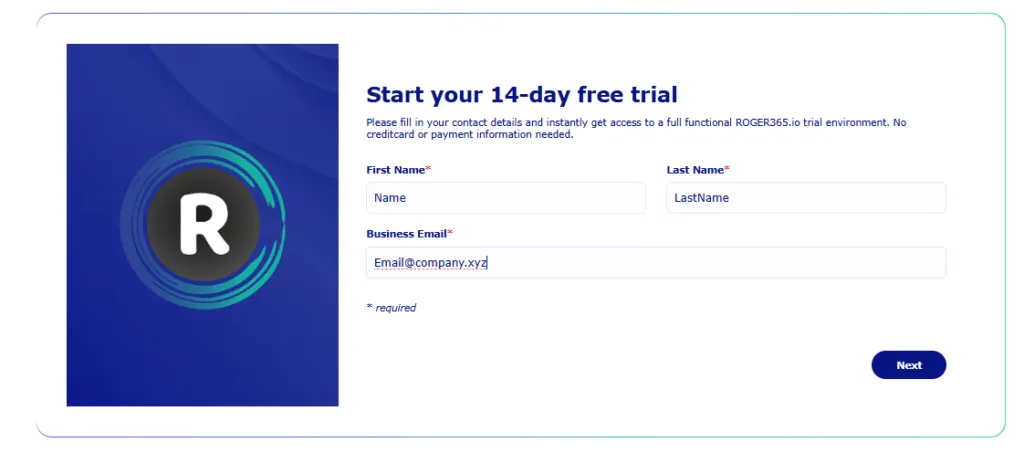
Fill in your name and emailaddress and click next
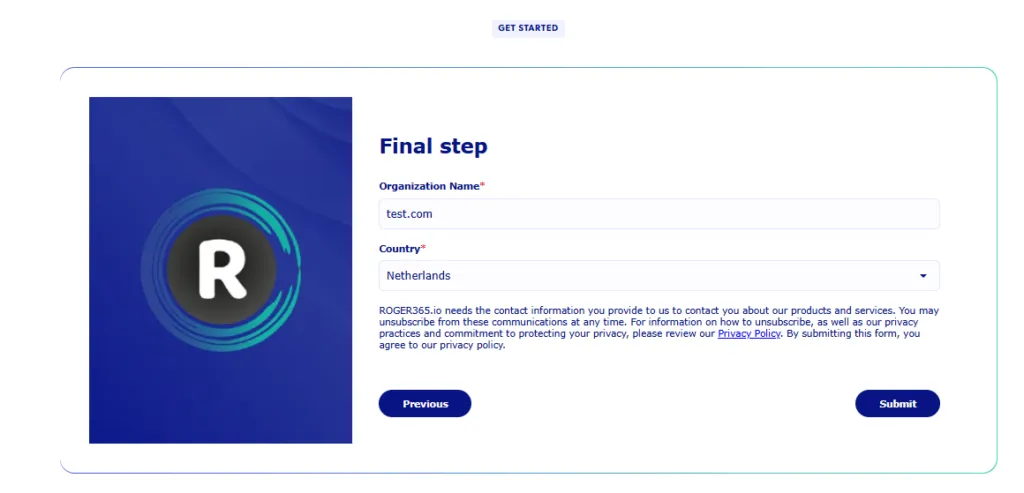
In the final step fill in your company name and location.
You will receive an Email with information and a button to start the free trail. The button opens a new webbrowser tab with the following popup.
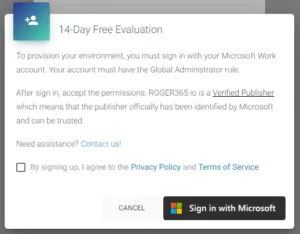
Enable the privacy checkbox and click the ‘Sign in with Microsoft’ button
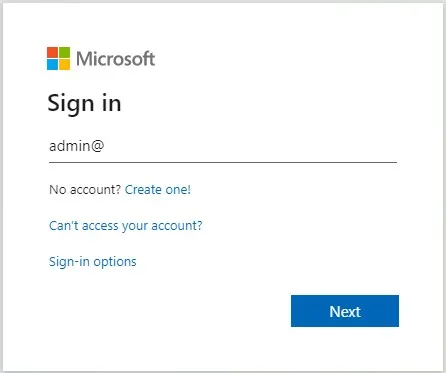
Here you can sign in with your Microsoft 365 account, make sure you have Global Administrator, an Application Administrator, or a Cloud Application Administrator permissions. If you don’t know what this means, please contact your IT Administrator to help you.
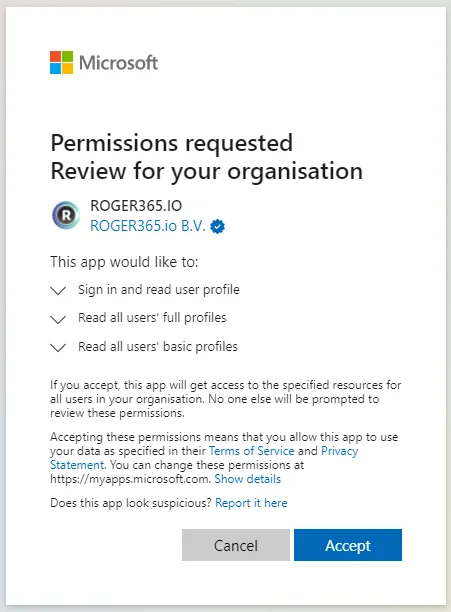
Click accept to give us your consent. We need these permissions so your can use your own Microsoft 365 credentials to login to ROGER365.io. After accepting you will be logged out from the Microsoft website and redirected to ROGER365.io.
In this phase your ROGER365 environment will be setup, this will take approximately 5-10 minutes.
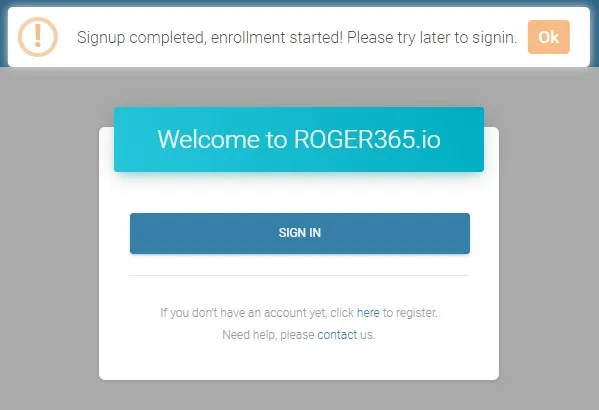
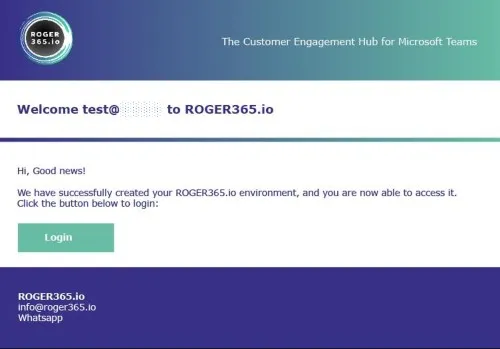
When your environment has been setup successfully, you’ll receive this email.
Now you’re able to login into the ROGER365 Portal. If you receive an email with the notification that the setup has failed, our support team is automatically notified. We’ll try to help you as soon as possible, or contact us.