


Classification

This feature (part of Agent Assist) allows agents to categorize the outcome of every call, providing a quick summary of the interaction. With customizable names and labels, agents can efficiently classify calls based on their nature, streamlining both customer service and sales processes. Classification can be created with single class or multilayered one.
Classification can be manually assigned during voice or social conversation in the Agent Assist. Voice interactions can be automatically classified using AI Flow’s Classification action.
To create new Classification, press “+Add Classification” button.
Provide a Name and Description for your Classification which will be visible for the Agent during the interaction with customer. It is possible to select specific Contact Center or Social Messaging Queue for which the created Classification will be available. If defined, you can provide name and description of the Classification for configured Languages.
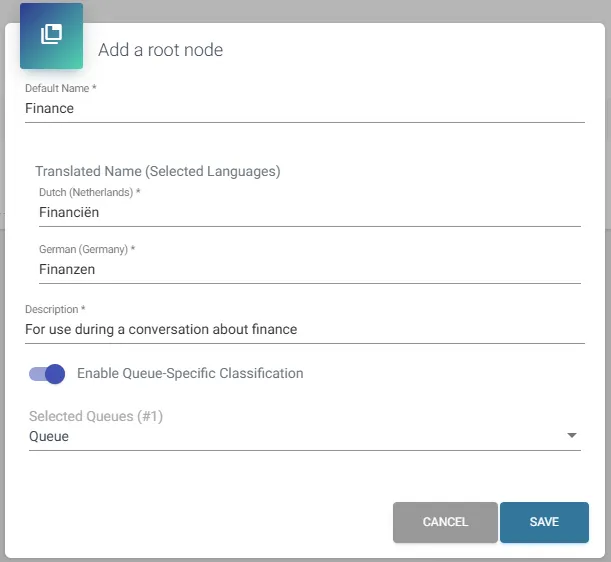
You can define labels based on the language used by the agents. Navigate to “Languages” section and press “+Add Languages”:
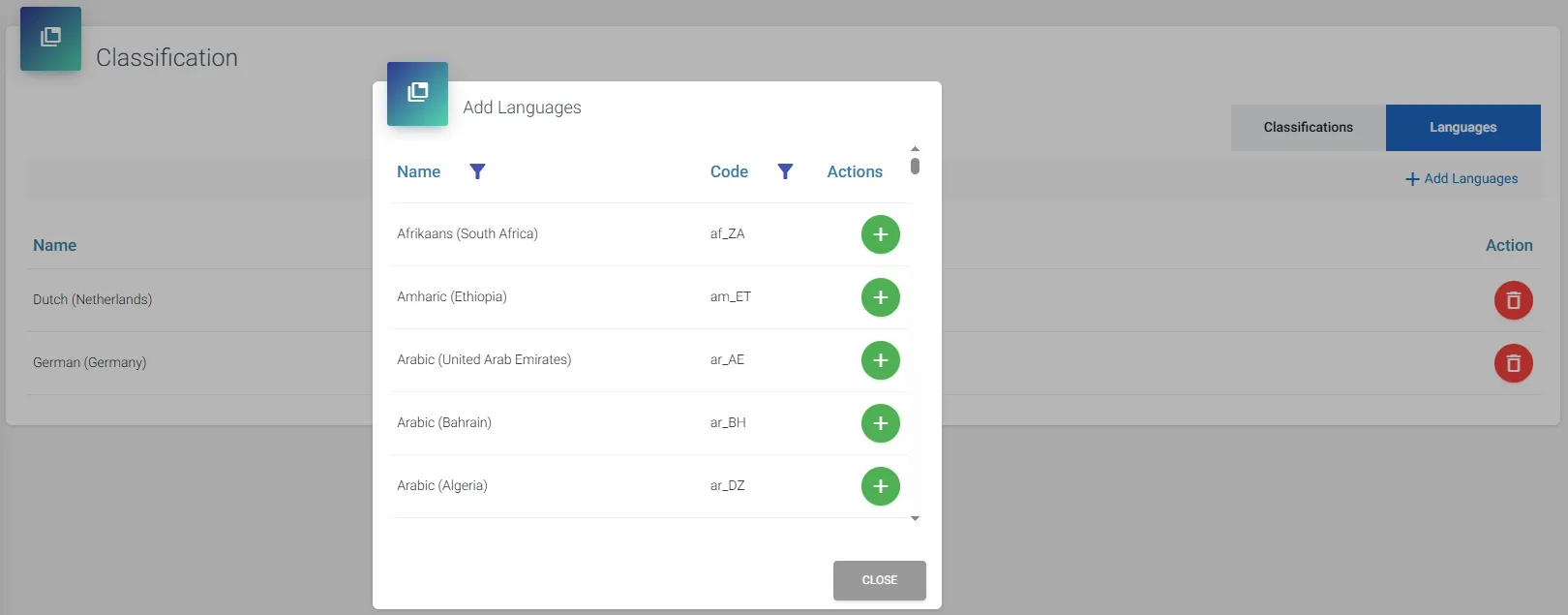
Recognition of the language is done based on Teams Client’s language settings of the user. In case of using Teams Client’s language which is not included in configuration of Classification, the default language (English) will be used.
Use Classification API to retrieve the configuration of the Classification, as well as the Classification assigned (either manually or automatically) during conversation.